Click to download now, finish the installation quickly, and directly unlock the all-round experience
Screenshots
Click to download now, finish the installation quickly, and directly unlock the all-round experience
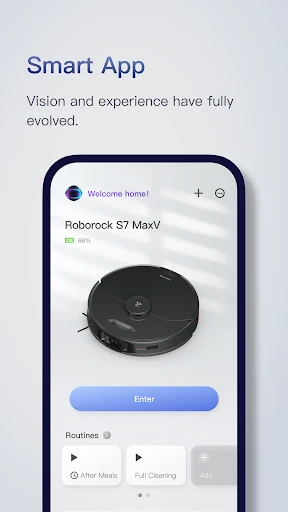
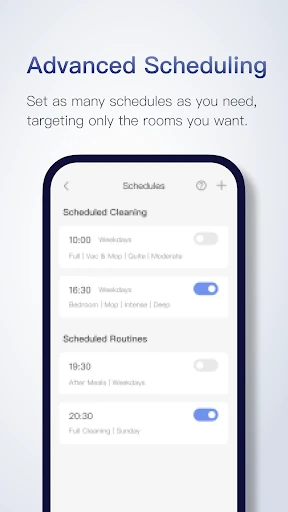
Roborock is the companion app for Roborock robot cleaners. It lets you start, pause, stop, and monitor cleaning from an Android phone, while giving you a map-based view of where the robot has been and what it is doing. It suits households that want more control than a simple physical start button, especially when cleaning needs to be organised by room or area.
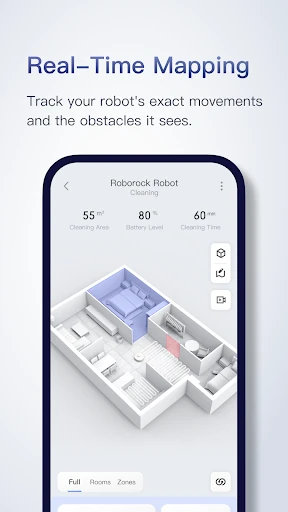
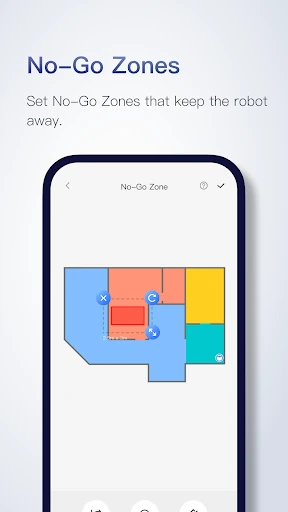
The app can turn the robot’s mapped route into a floor plan with separate rooms. From that map, you can choose particular rooms or draw cleaning zones instead of sending the robot through the whole home. Virtual barriers and no-go areas can be used to keep the robot away from selected spaces or objects. Multi-level mapping is also available for homes with more than one floor.
This is mainly for owners of Roborock robot vacuums and mop-capable models who want detailed control over everyday cleaning. The room and zone tools are useful for directing extra attention to kitchens, hallways, or other high-use areas, while map storage helps when the robot is used across multiple floors. The available controls depend on the connected Roborock device.
Roborock is published by Roborock and is listed in the Lifestyle category. It has a rating of 4.65 out of 5 from 324,492 reviews, with 5,000,000+ installs. The package is com.roborock.smart.