Click to download now, finish the installation quickly, and directly unlock the all-round experience
Screenshots
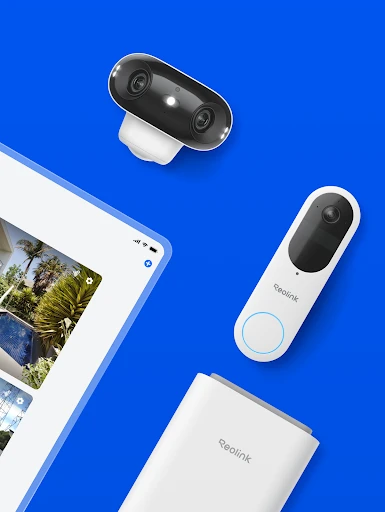
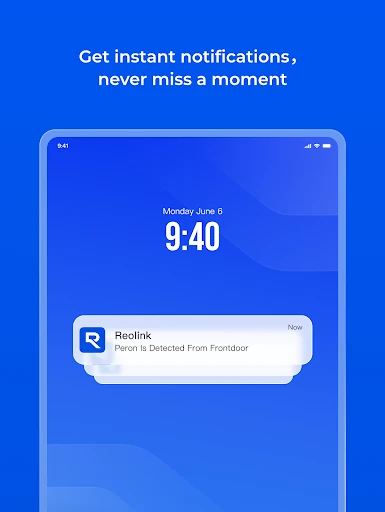
Click to download now, finish the installation quickly, and directly unlock the all-round experience
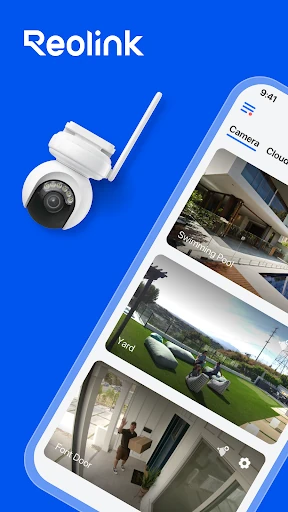
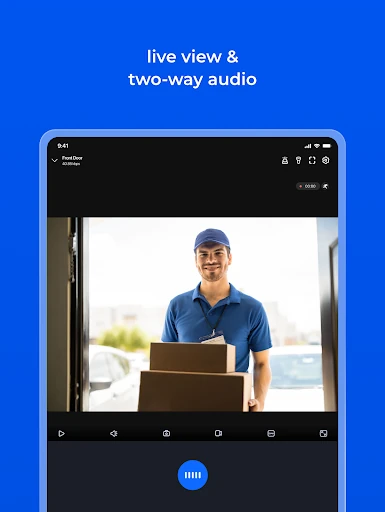
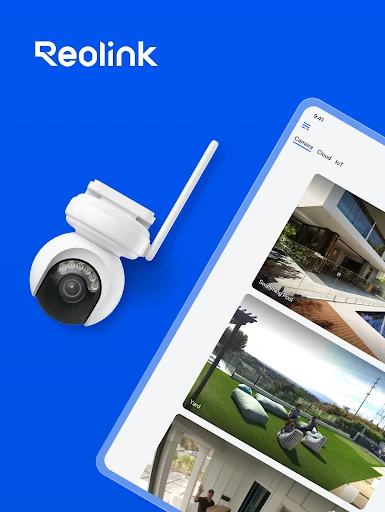
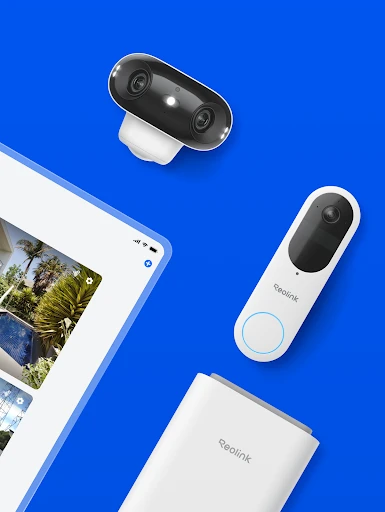
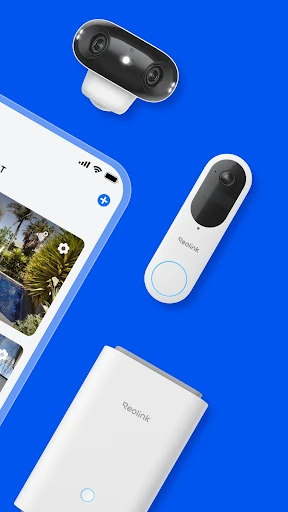
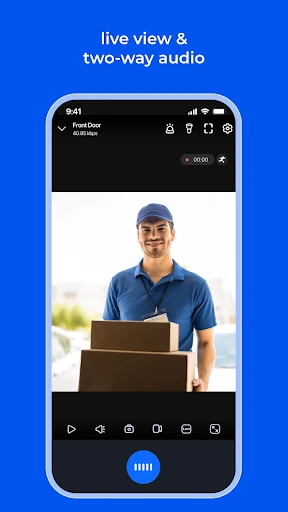
Reolink is a mobile companion for Reolink IP cameras and network video recorders (NVRs). It lets homeowners, small businesses, and other camera users check live video from a phone on the same local network or through a remote connection. The app is published by Reolink Innovation Limited and is listed in the Communication category.
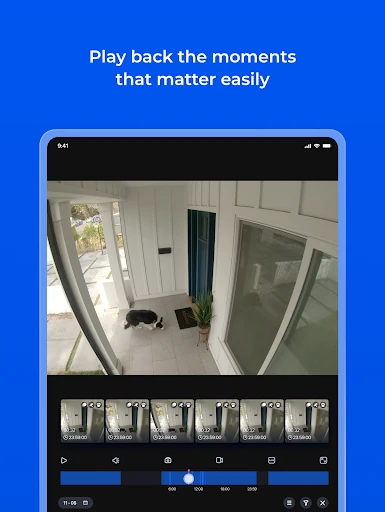
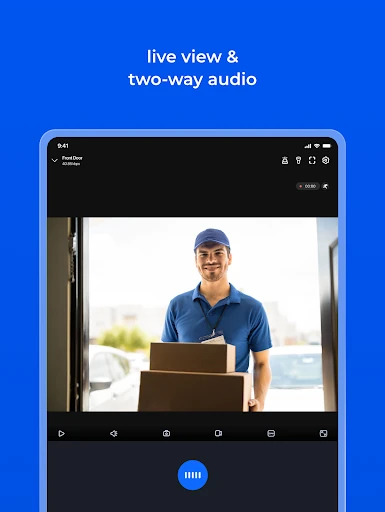
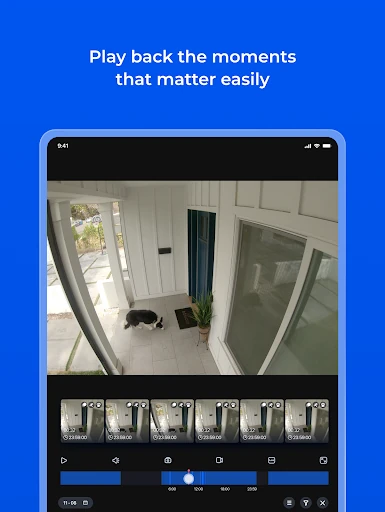
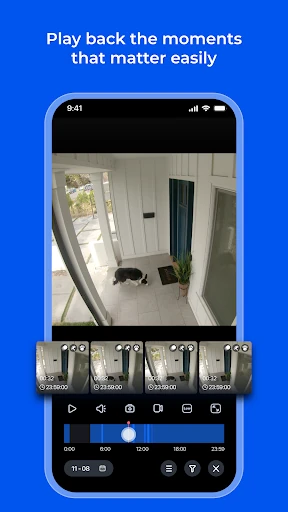
The app can show several camera feeds together, with support for viewing up to 16 channels at once. You can review recordings stored on a compatible camera’s SD card or on an NVR hard drive, as well as save still images and clips from live viewing to the mobile device.
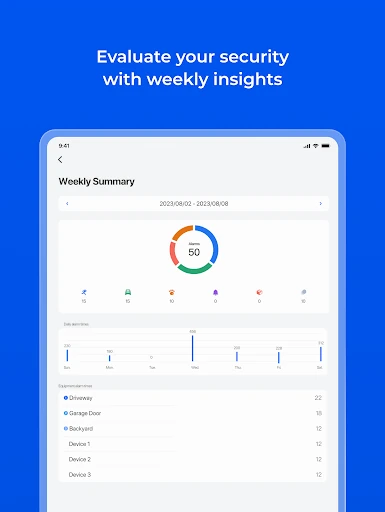
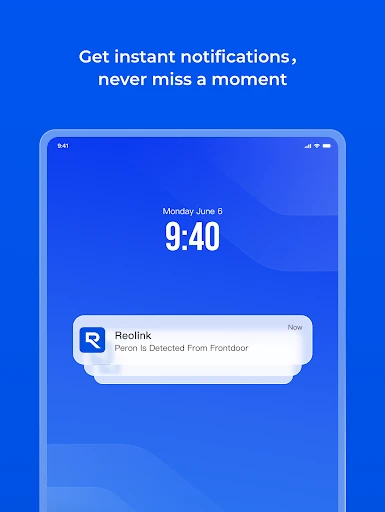
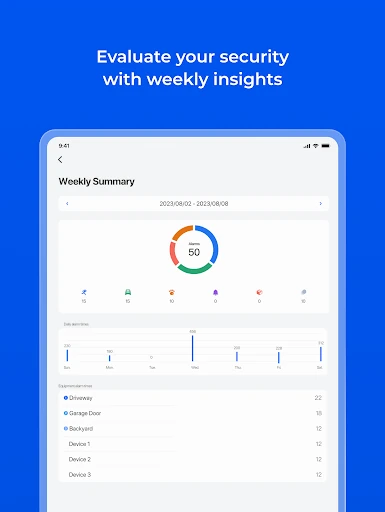
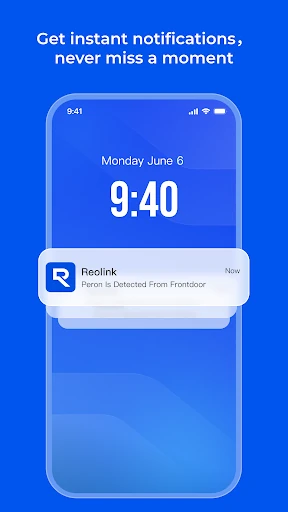
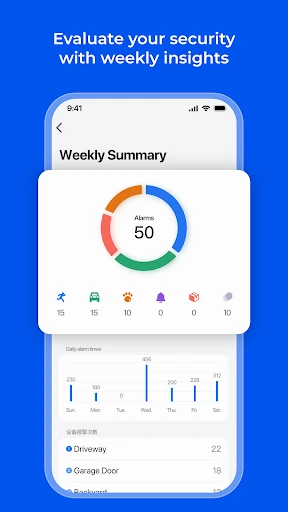
When motion detection is triggered, Reolink can send notifications or email alerts, helping users check activity without watching the feeds continuously. Compatible pan-tilt-zoom cameras can also be moved remotely, including left, right, up, and down adjustments. Recording can be scheduled, including recordings linked to motion events.
Reolink has a rating of 3.34 out of 5 from 36,801 reviews and more than 5,000,000 installs. Its permissions and device access should make sense for an app that connects to cameras, displays live and recorded footage, sends alerts, and saves captured media. Compatibility is limited to Reolink IP cameras and NVRs, so it is intended for users with equipment from that manufacturer.