Click to download now, finish the installation quickly, and directly unlock the all-round experience
Screenshots
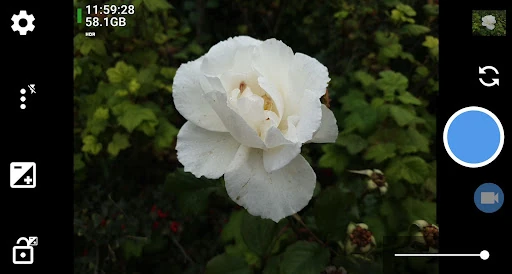
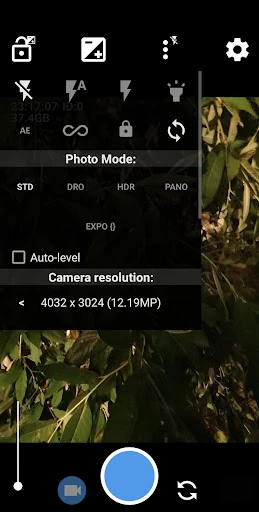
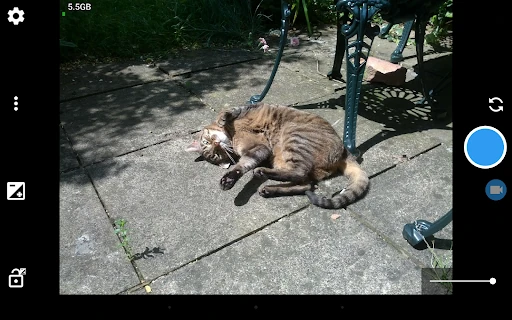
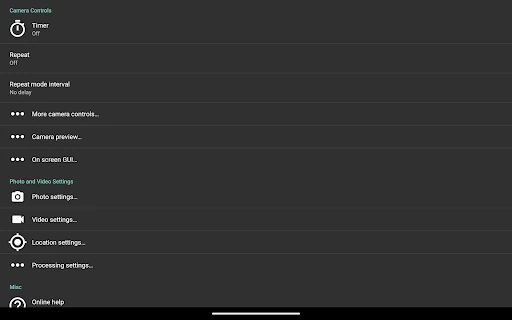
Click to download now, finish the installation quickly, and directly unlock the all-round experience
Open Camera is a configurable Android camera app for people who want more control than a basic phone camera interface provides. It is suited to photographers who prefer to adjust settings themselves, review exposure carefully, and decide how images are captured rather than relying entirely on automatic processing.
The app supports manual photography features including focus, ISO, exposure compensation and RAW image capture where the device supports them. On-screen tools such as histograms, zebra patterns and focus peaking can help with exposure and focus. It also includes options for voice-triggered photos, Bluetooth remote controls and automatic levelling.
Open Camera can record location and time information with photos and video, or remove image metadata when that is more appropriate. The available controls depend on the phone's camera hardware and Android support, so some devices may expose more options than others.
This is a good fit for users who want a free, open-source camera app with a broad set of practical controls. Its interface puts settings and technical information ahead of a simplified, filter-focused experience, so it may take some time to learn. Casual users looking only for a shutter button may find the range of options unnecessary.
Open Camera is published by Mark Harman and is listed in the Photography category. It has a rating of 4.05 out of 5 from 285,343 reviews, with 100,000,000+ installs. Those figures indicate broad use, while the detailed controls make its strongest appeal to photographers who want to configure the capture process themselves.